
Capture
AI bot joins online or sits in the room — every important moment recorded.

Capture conversations, generate smart transcripts, summarize discussions, identify decisions, and turn every meeting into clear next steps.
Works with the tools you already use
The Recaply path
One clear flow — capture, understand, decide, execute, and remember.
AI bot joins online or sits in the room — every important moment recorded.
Transcript, AI summary, and speakers — clarity in seconds.
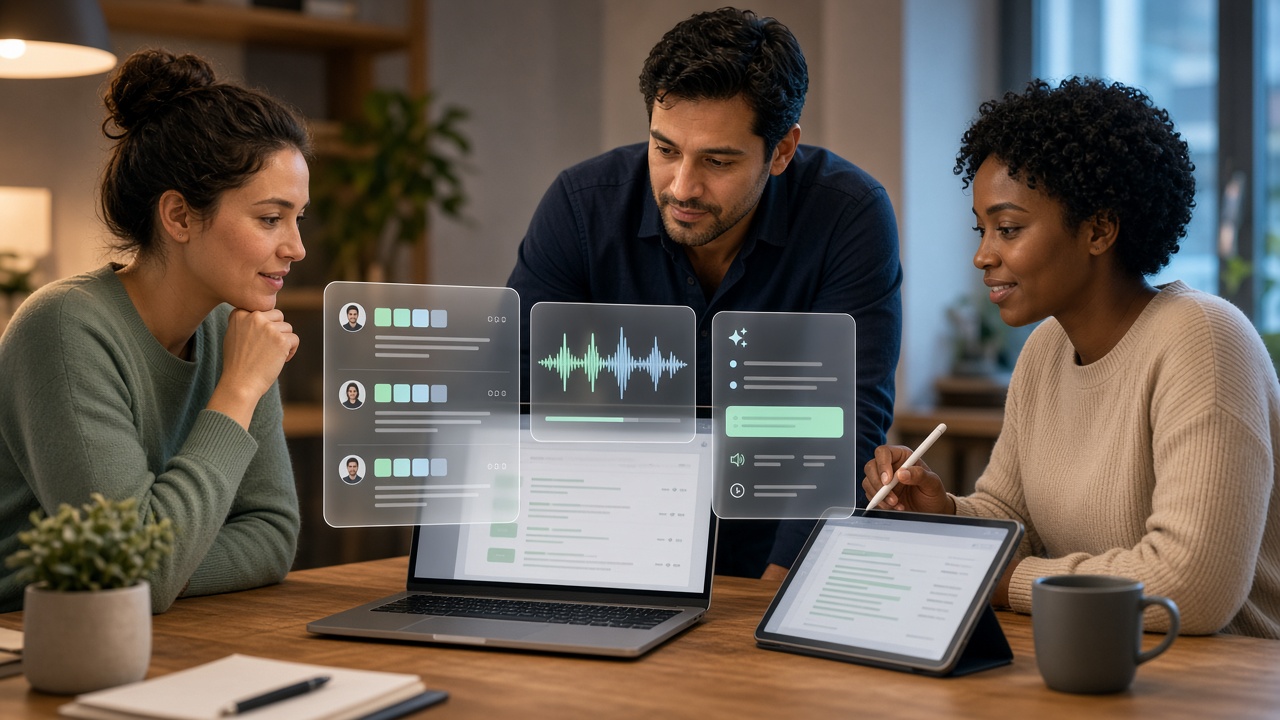
Decisions locked with ownership — proof when you need it.

Action items with owners and portal-ready handoff.
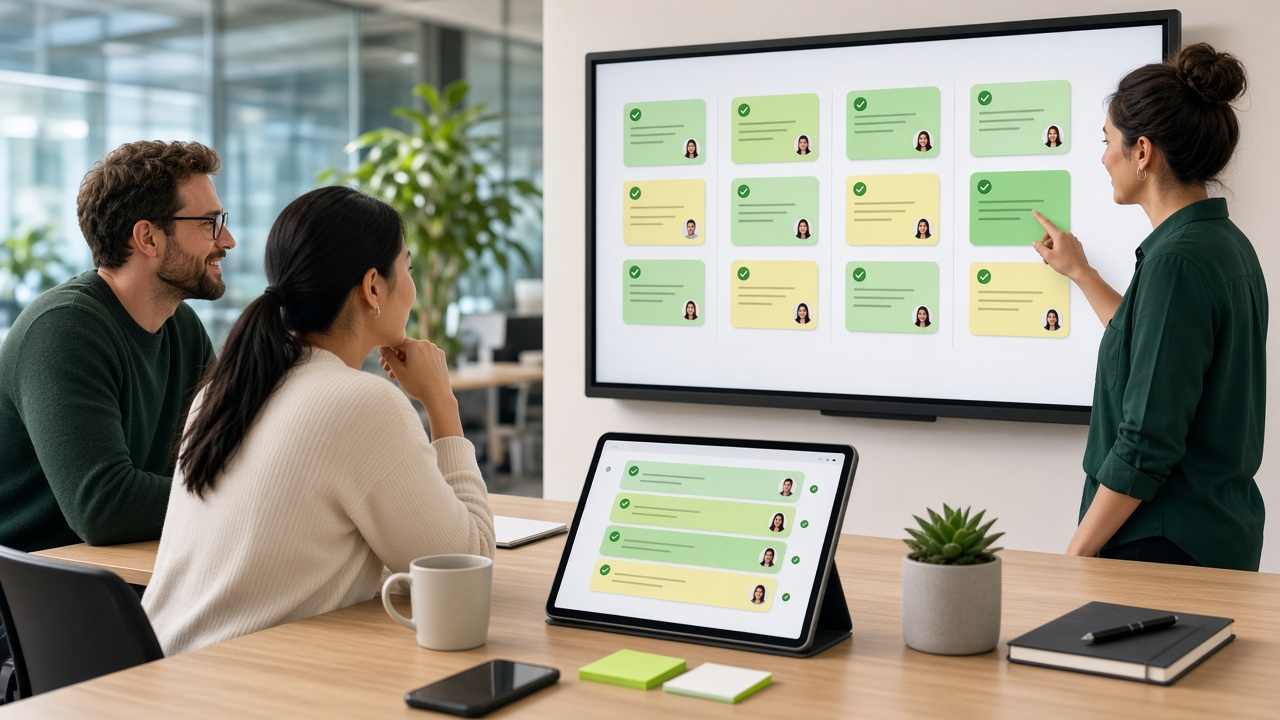
Company memory, analytics, and searchable meeting history.
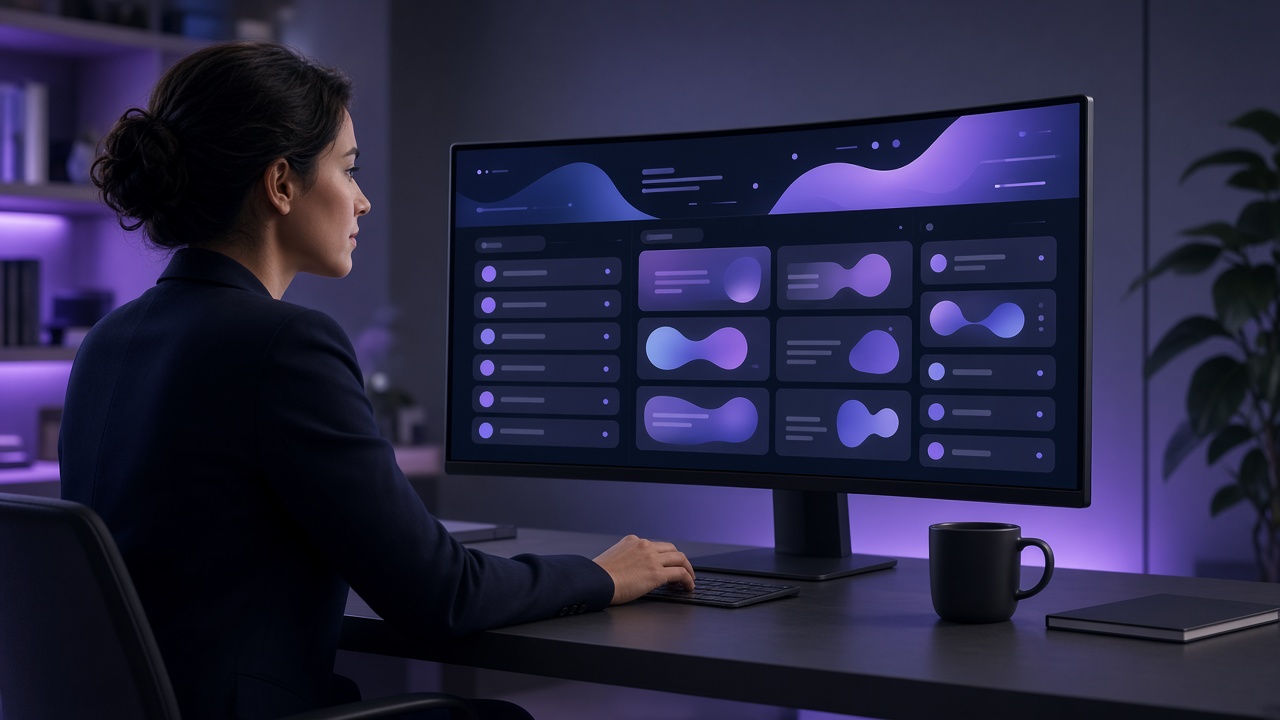
Meeting Intelligence
Recaply is an AI meeting assistant that captures online and in-room meetings, creates transcripts and summaries, identifies decisions and action items, and builds a searchable record of every meeting.
Turn every meeting into a clear executive summary with topics, timeline, and next steps.
Meeting Insights
The same Insights workspace your team uses — volume, outcomes, health, and AI highlights in one view.
Total Meetings
116
+176% vs last period
Online Meetings
26
+100% vs last period
In-Room Meetings
90
+171% vs last period
Meetings with Action Items
34%
−24% vs last period
Meeting Summary Coverage
100%
— vs last period
Avg. Meeting Duration
21 min
+50% vs last period
Ask AI
Ask across meetings your login can see — answers stay inside your tenant.
Jump straight to the moment in the call that backs the answer.
Pull action items, owners, and deadlines from past syncs in one reply.
Confirm projects created, online meetings started, and what Recaply captured.
Ask who decided what, what’s still open, and who drove the discussion.
Ask Recaply
How it works
Recaply records the meeting, prepares the intelligence, and leaves your team ready to act.
Invite Recaply to online calls or room sessions — the assistant records what matters.
Get accurate transcripts and a clear AI summary with key takeaways in seconds.
Action items, decisions, speakers, and risks appear automatically — ready to assign.
Ask AI, browse history, and keep delivery moving without rewriting notes.

Integrations
One AI path from bot join, in-house meetings, or file upload — straight into summaries and tasks.
Trust
Meeting intelligence stays locked to your team — controlled access, clear ownership, and audit-ready history from day one.
Transcripts, summaries, and recordings protected in transit and at rest.
Each company only sees its own meetings, users, and history.
Login-gated workspace with admin controls and clear permissions.
You decide seats, visibility, and what each teammate can open.
Pricing
Choose the Recaply plan that fits your meetings, team, and workflow.
$0
Try Recaply for essential meeting intelligence.
$15/month
For individuals and small teams that want AI-powered meeting productivity.
$30/month
For growing teams that need complete AI meeting intelligence.
$50/month
For organizations managing meetings, projects and teams at scale.
Find the features and usage limits that fit your meetings and team.
| Feature | Free | Starter | Professional | Enterprise |
|---|---|---|---|---|
| Plan & usage | ||||
| Monthly Price | $0 | $15/mo | $30/mo | $50/mo |
| Recaply Minutes / month | 90 | 360 | 900 | 1,800 |
| Recaply Tokens / month | 0.5M | 1M | 3M | 6M |
| Users / Workspace | 1 | 2 | 5 | 10 |
| Projects | 1 | 3 | 10 | Unlimited |
| Meeting capture | ||||
| Online Meetings | ||||
| Zoom / Google Meet / Microsoft Teams | ||||
| In-House / Room Meetings | ||||
| Real-time Notes | ||||
| Live Transcription | ||||
| Speaker Identification | ||||
| Voice Print | ||||
| Meeting intelligence | ||||
| AI Meeting Summary | ||||
| Meeting History / Search | ||||
| Ask Recaply AI | — | |||
| Team Analytics Dashboard | ||||
| Speaker Analytics | ||||
| Export & content | ||||
| Download Transcript | ||||
| Download Summary | ||||
| Download Recording | ||||
| Documents Upload | ||||
| Meeting Sharing | Basic | |||
| Integrations & collaboration | ||||
| Google Sheets Integration | — | |||
| Team Workspace | — | |||
| Analytics | ||||
| Meeting Analytics | — | Basic | ||
| Team Analytics Dashboard | ||||
| Speaker Analytics | ||||
Contact
Share your company details and we'll set up a secure Recaply workspace for your team.
Share your company details below. After review, we'll provision your login and workspace.
FAQ
Clear answers about capture, AI Summary, Ask Recaply, security, and plans.
Recaply is an AI meeting assistant that captures online and in-room meetings, creates live transcripts, generates AI summaries, and turns conversations into action items, decisions, and a searchable knowledge base for your team.
Yes. Recaply joins online meetings on Zoom, Google Meet, and Microsoft Teams so your team gets the same capture, transcript, and AI Summary experience across platforms.
Yes. Recaply supports in-house and room meetings with dedicated room capture, so physical discussions get the same transcription, speaker identification, and AI Summary path as online calls.
Recaply uses speaker identification and voice print to separate who said what in the transcript. Labels stay tied to people across meetings so summaries, analytics, and Ask Recaply stay clearer.
Recaply finalizes the recording and transcript, builds an AI Meeting Summary, and surfaces action items, decisions, risks, and speakers — ready to review, share, or send into your portal workflow.
Yes. Meetings can be linked to projects in your workspace so related history, summaries, and follow-ups stay organized by delivery work instead of sitting in a flat list.
Yes. Meeting History lets you search past sessions by topic, speaker, or keyword across transcripts and summaries so your team can find decisions and context fast.
Ask Recaply is the AI chat for your meeting knowledge base. Ask questions in plain language and get grounded answers from meetings your login is allowed to see — with context from transcripts and summaries.